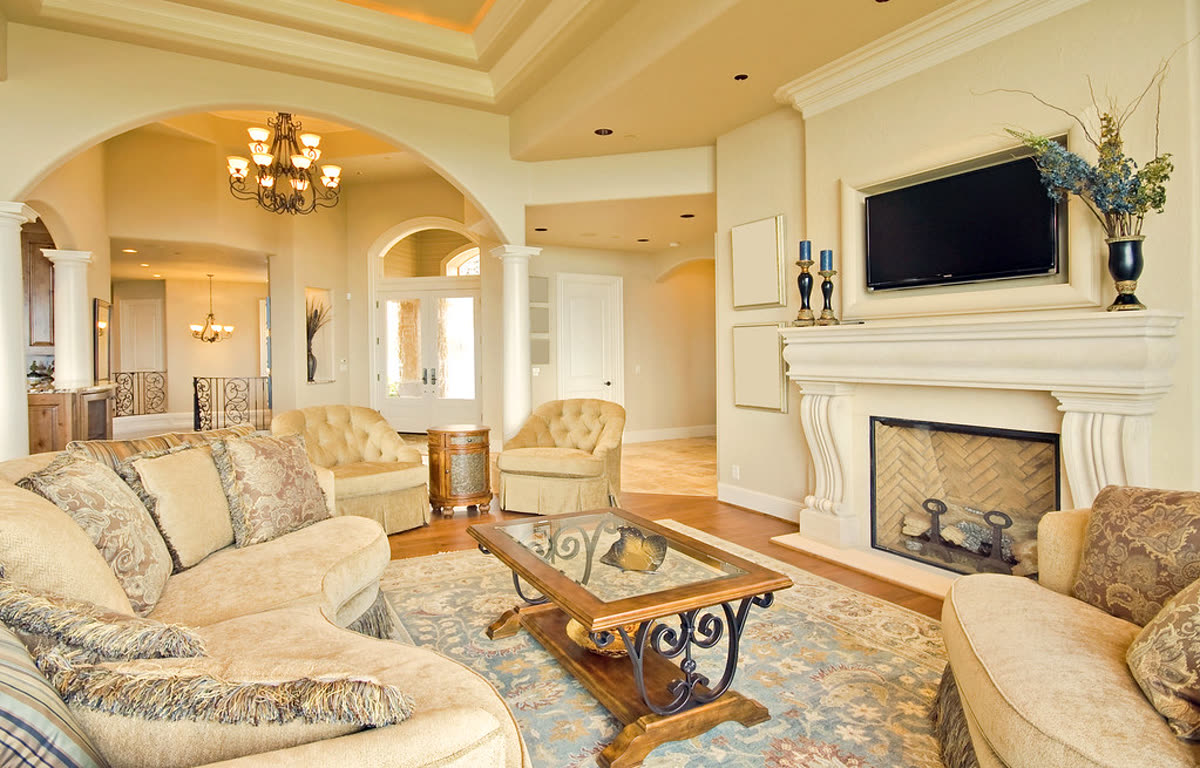
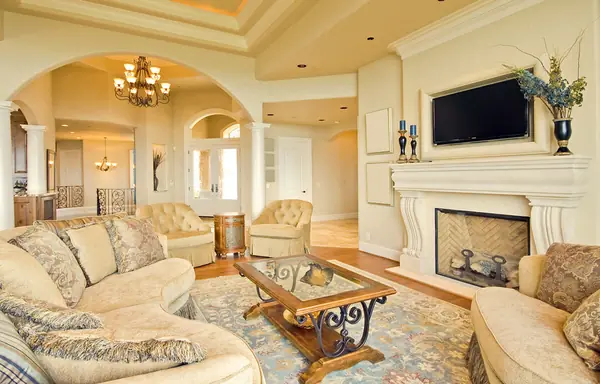
Living room, slow push-in
Real listing photo, AI camera motion, passed accuracy check
An AI real estate video is a short video made from listing photos, where AI adds a slow camera move to each photo. Use one when you already have good photos and need a video for a listing post or a reel. It does not replace footage filmed at the property.
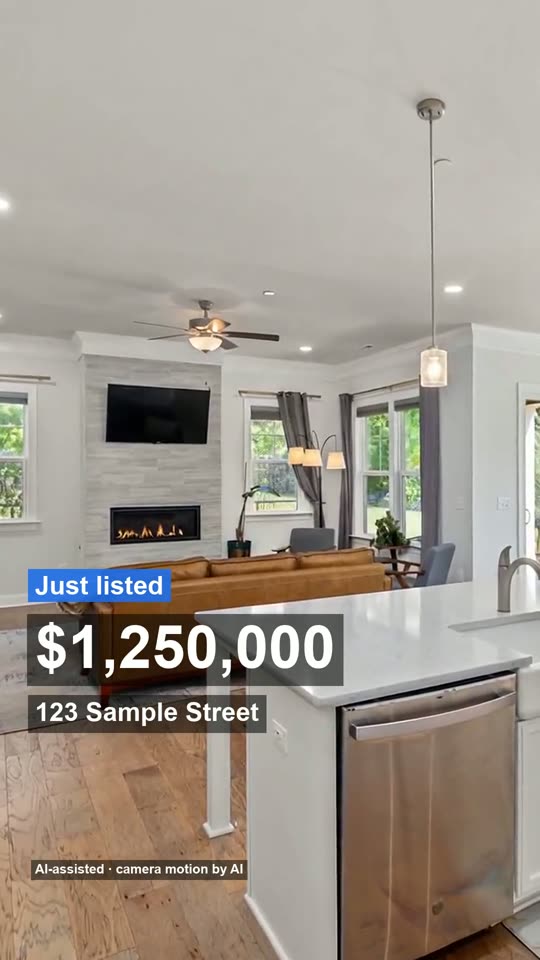
Made from 3 listing photos, no watermark. The AI moves the camera only: every room stays as photographed, nothing is added.
These clips turn listing photos into slow camera moves. Compare each room with its source photo before you post it.
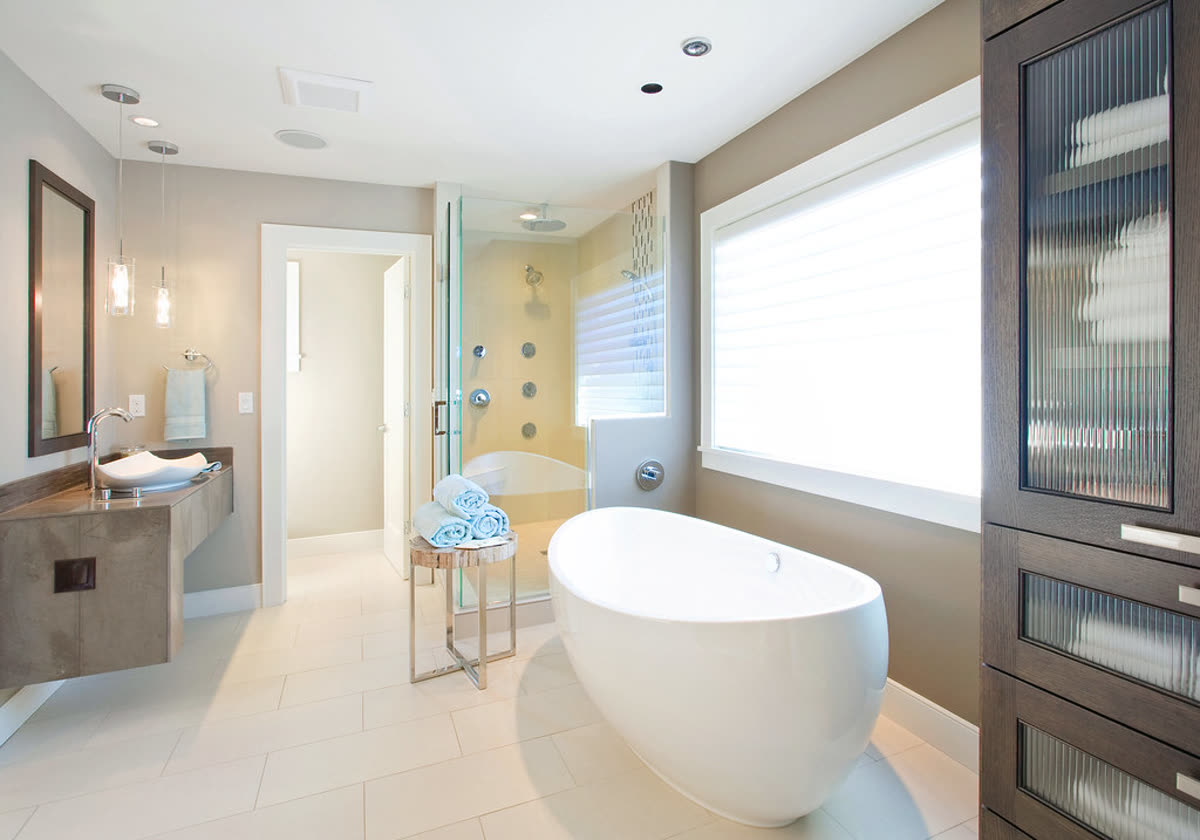
Real listing photo, AI camera motion, passed accuracy check
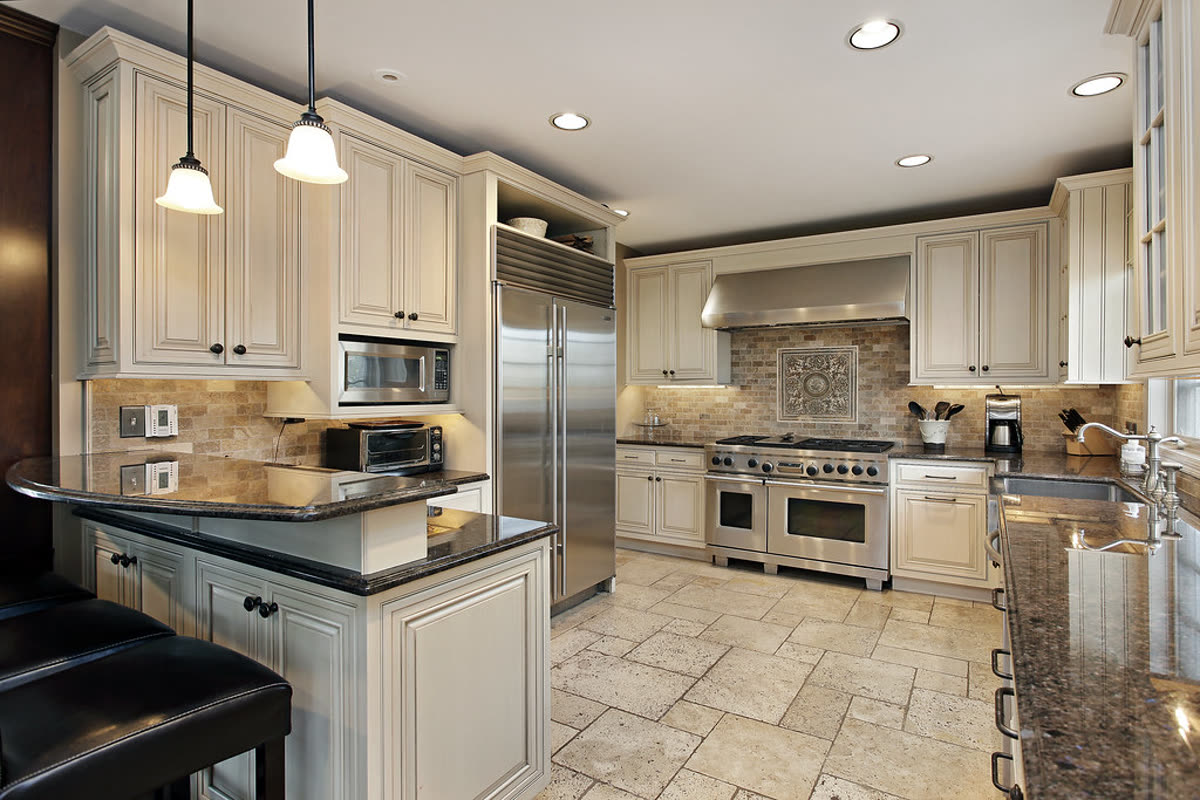
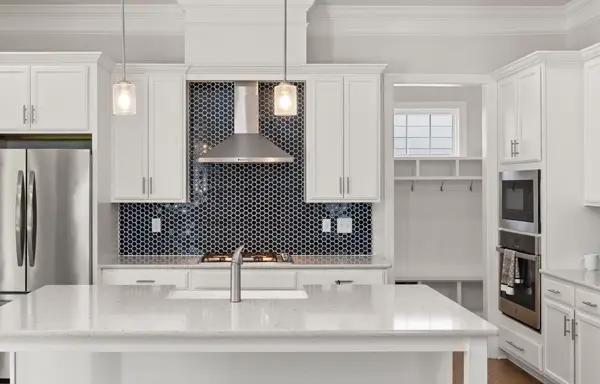
Real listing photo, passed on the second attempt after the first clip changed the countertop
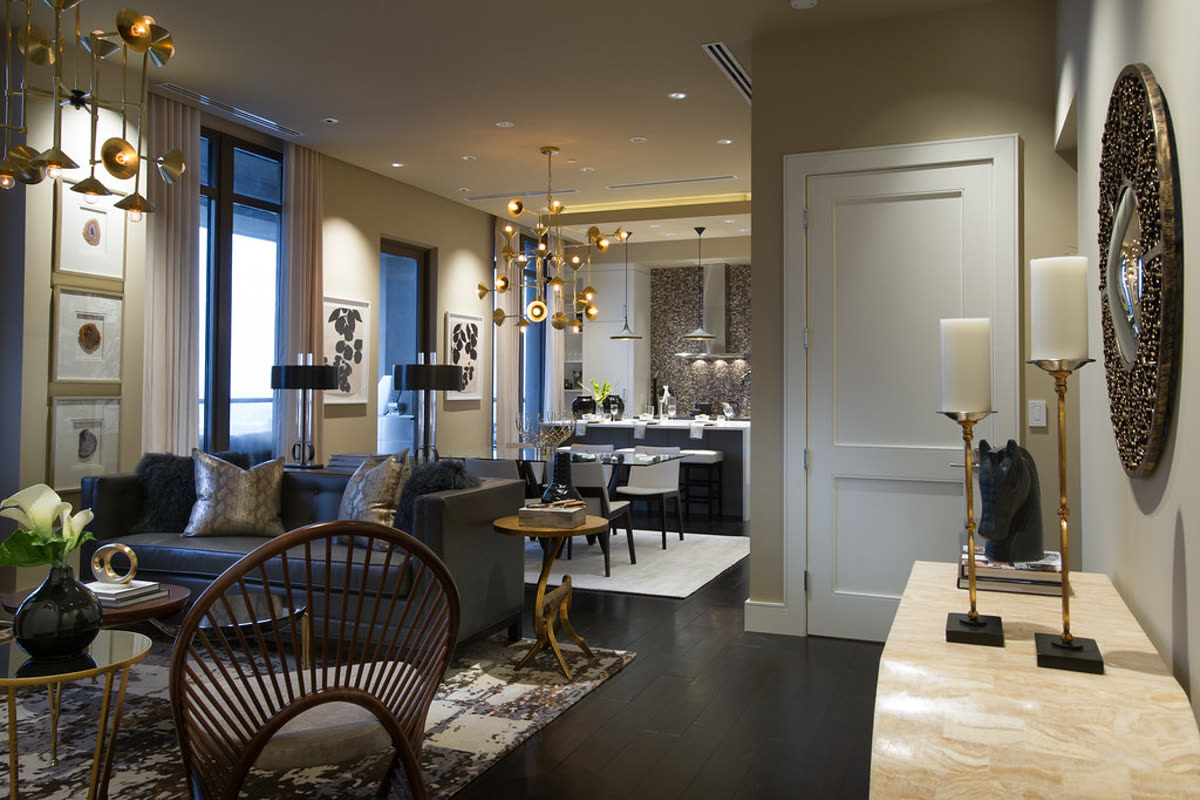
Real listing photo, AI camera motion, passed accuracy check
Real listing photo, AI camera motion, passed accuracy check
You upload photos of a property. AI turns each photo into a few seconds of camera movement, and the clips are joined into one video with music and your listing details. The rooms are the ones in your photos, so the video shows only what you photographed.
A videographer records new footage inside the property; an AI real estate video generator works from photos you already have. Every clip is checked against its photo before it is used, and the results are on how we check accuracy.
It depends on what you already hold and where the video will be seen. Match your situation to the row.
| Your situation | Fit |
|---|---|
| Sharp, level photos of every room you want to show | Good fit |
| A vertical reel for social posts, or a short video for the listing page | Good fit |
| The listing goes live soon and a filming visit does not fit | Good fit |
| You will change the price or details later | Good fit: no new filming needed |
| A buyer must see rooms you have no photo of | Not enough: photograph them first |
It fits a new listing post, a price change, an open house reminder or a photo-based home tour video.
| Question | AI from listing photos | Videographer visit |
|---|---|---|
| Time to a first file | After upload and the clip checks; no property visit | After the visit, editing and delivery |
| What must be at the property | Nothing, if the photos have already been taken | The property must be ready and accessible for filming |
| What can be shown | Only what the photos already show | The route, angles and details recorded during the visit |
| Reshoot cost or effort | Replace a source photo or make a clip again | Arrange another visit and record new footage |
| Changing details later | Typed listing details can change without filming again | Text may be edited, but scene changes need new footage |
From our own job records, 19 October to 16 November 2026: 33 finished videos, not counting our own test runs. The counts are small, so treat them as a trial, not a survey.
| Video | Finished jobs | Photos in a typical job | Median time |
|---|---|---|---|
| 15-second reel | 23 | 4 | about 3 minutes 40 seconds |
| Full video | 10 | 8 | about 7 and a half minutes |
The slowest full video took far longer than the median, so allow extra time before an open house.
The property photos are real. The camera movement is made from those photos, so the video should be labelled as photo-based motion rather than footage filmed at the property.
MLS rules differ, especially for altered or generated media. Check your MLS rules before you upload the file, and use the unbranded version when branding is not allowed.
In our own records a 15-second reel took a median of about 3 minutes 40 seconds, and a full video about 7 and a half minutes (small counts). Check every room before posting instead of treating the first file as final.
It should not change the property. Every clip is checked against its photo before it is used, and one that fails is made again or replaced. The results are on how we check accuracy.
No, you can make and pay for a video as a guest. An account is only needed if you want to keep your videos together.
Yes, if the phone photos are sharp, bright and level. Retake dark or tilted photos first because the video can only work with what the photo shows.
Written 14 November 2026 and updated 16 November 2026 by the Tourly team from our own job records; the numbers will be updated as more jobs finish.
Made by Tourly, a small team building listing video tools. Questions or a clip that looks wrong? Contact us.