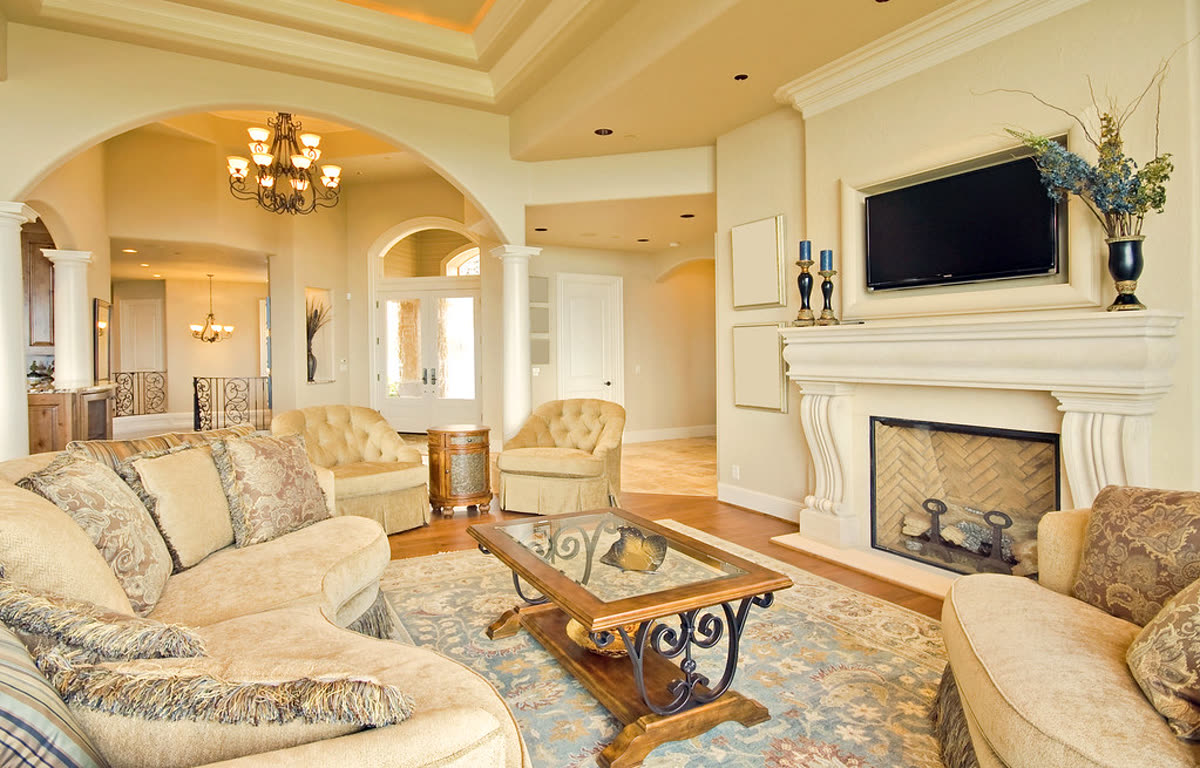
Living room, slow push-in
Real listing photo, AI camera motion, passed accuracy check
Show a rental unit room by room in about a minute or two, made from the unit photos you already have.
One photo · watermarked preview · no card
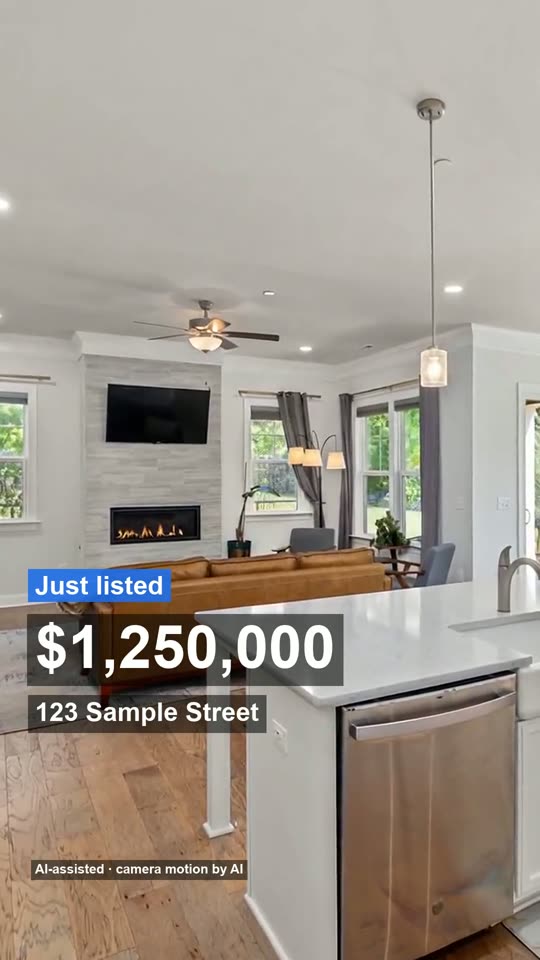
Made from 3 listing photos, no watermark. The AI moves the camera only: every room stays as photographed, nothing is added.
Each clip is one photo of a room with a slow camera move, joined in tour order. Compare the order of the clips with the route below.
Real listing photo, AI camera motion, passed accuracy check
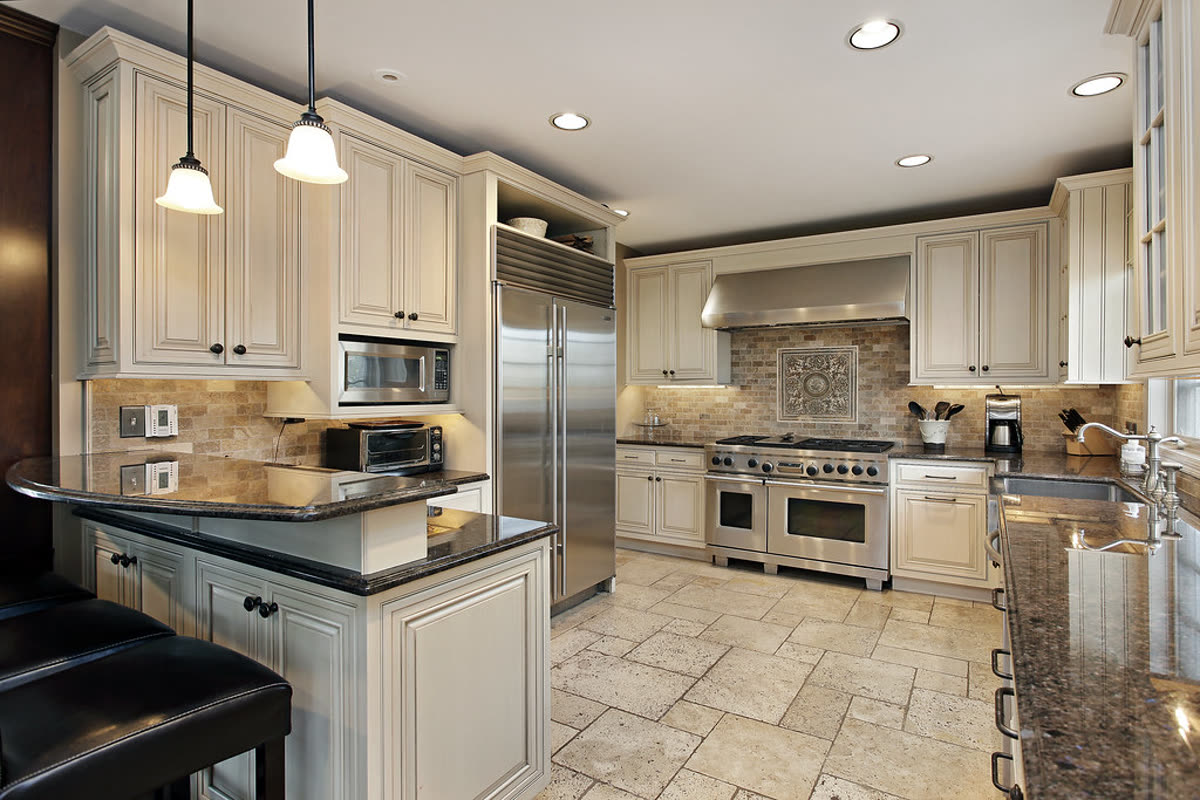
Real listing photo, passed on the second attempt after the first clip changed the countertop
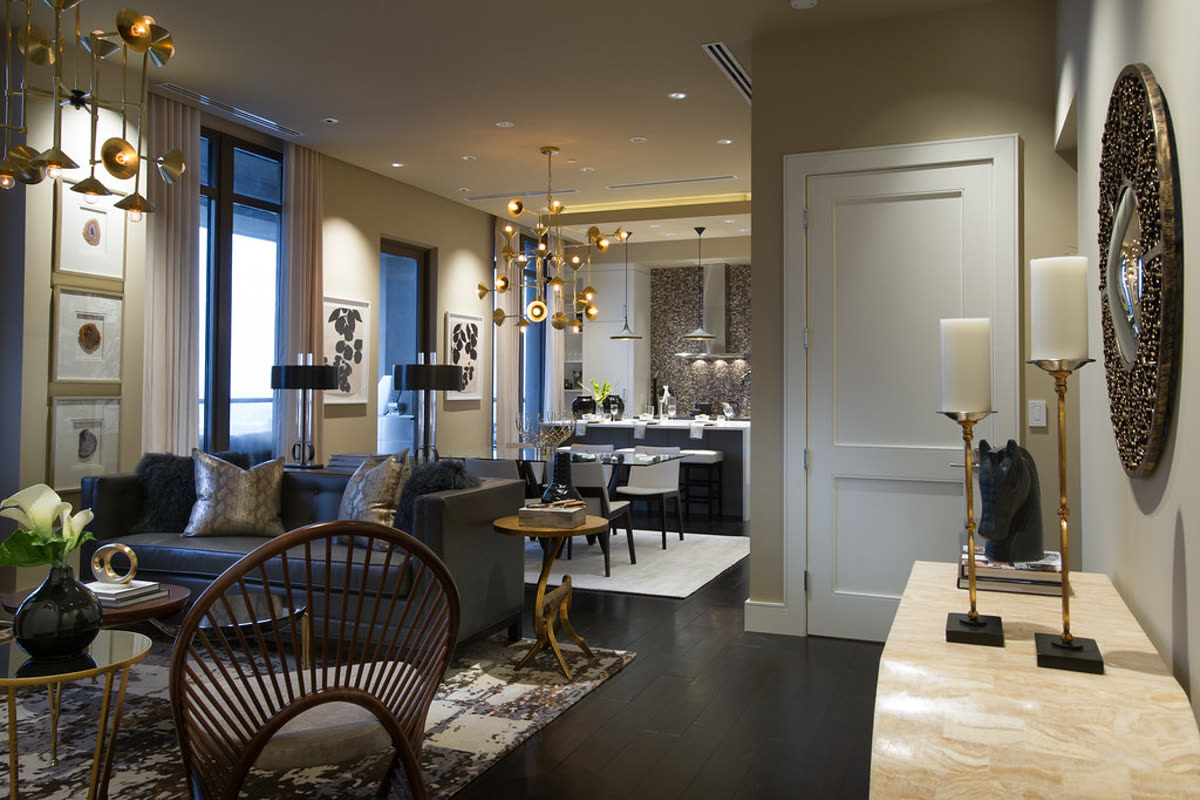
Real listing photo, AI camera motion, passed accuracy check
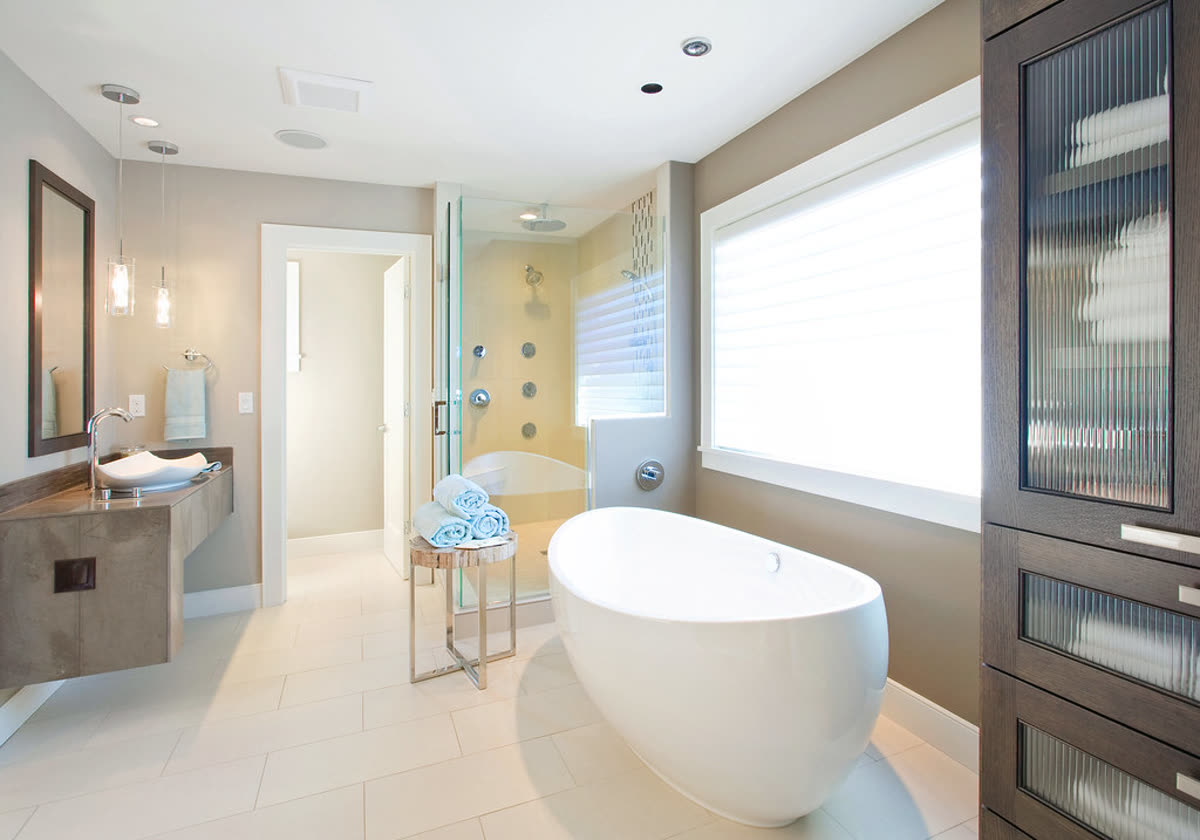
Real listing photo, AI camera motion, passed accuracy check
Take five photos in the order above: entrance, living room, kitchen, bedroom and bathroom. Here is what each step costs in time, and what you see.
| Step | Time |
|---|---|
| Visit the unit, film it and edit | Not measured yet |
| Visit the unit and take five photos | Not measured yet |
| Upload the photos and make the full video | Median about 7 and a half minutes (10 real jobs) |
| Upload up to four photos and make a 15-second reel | Median about 3 minutes 40 seconds (23 real jobs) |
The times are from our own job records with our test runs left out. The slowest full video took far longer than the median, so allow extra time before a showing. We have not timed anyone filming a unit, so we put no number on that.
A prospect watches a tour to answer one question: could I live here? Show the unit the way they would meet it, from the door inward, and finish with what the building offers. Never double back to a room you have already shown.
If a room was not photographed, leave it out. For a house or a longer route, the real estate video walkthrough page has that shot order.
Our own numbers, from 19 October to 16 November 2026: 126 finished videos built from 499 photos with a room label; 126 of the 128 reel and full jobs that ran to the end succeeded and 2 failed. They include our own test runs and small counts, so treat them as a trial, not a survey.
| Room in the photo | Photos | Ended as AI camera motion | Ended as a slight move over the photo |
|---|---|---|---|
| Kitchen | 166 | 0 (0%) | 166 (100%) |
| Living room | 146 | 140 (96%) | 6 (4%) |
| Bedroom | 18 | 17 (94%) | 1 (6%) |
| Bathroom | 27 | 0 (0%) | 27 (100%) |
| Exterior and other rooms | 142 | 129 (91%) | 13 (9%) |
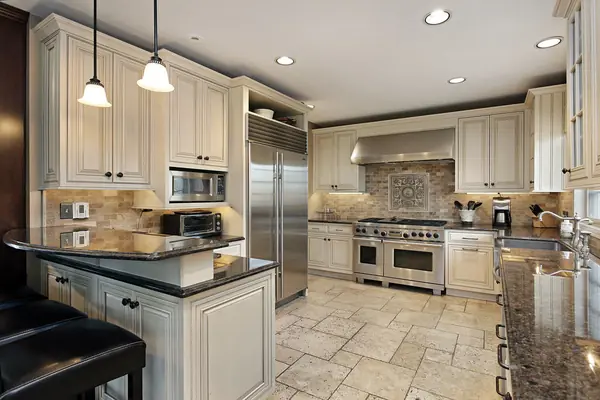
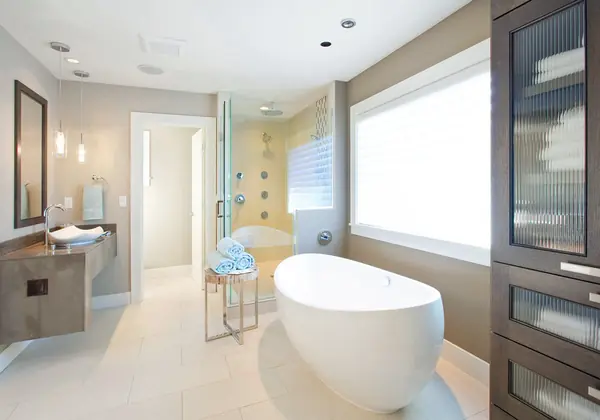
In a unit tour the kitchen and the bathroom are the rooms where fixtures are easiest to get wrong, so those photos are moved over as they are and nothing in them is generated. That makes the photo itself the picture a prospect sees: light it well and keep the counters clear. Bedrooms (18) and bathrooms (27) were also the rooms photographed least, so a typical set stops after the kitchen.
Apartment and rental photos on their own: not measured yet. Our records do not note the property type, so we show no apartment-only number and will add one once we record it.
| Date shown | What the page says |
|---|---|
| 26 February 2020 | Realync: a self-running tour longer than a minute is too long. |
| Updated 30 July 2026 | ButterflyMX: aim for about two minutes, and film every part of the unit, including closets and balconies. |
So plan on one to two minutes for the listing page. A 15-second vertical reel suits a social post or a listing thumbnail.
A 15-second reel is $4.90. The home tour video maker and the property video maker list what each file contains.
It is a short video that shows a rental unit room by room so a prospect can look before they visit. Yours can be made from photos of the unit instead of a filming visit.
About one to two minutes. The two dated pages we found range from under a minute for a self-running tour to about two minutes. Put the kitchen and bedroom early, because viewers leave early.
Yes. Each photo becomes a short slow camera move and the clips are joined in tour order. The video shows only what your photos show, so photograph every room you want in it.
Yes, as a short video of the unit made from your listing photos, for your own site or social posts. Check the rules of the platform where you post it, because platforms differ on what a listing video may contain.
Yes. Upload one room photo at the top of this page and see it move in under a minute. The preview is watermarked and needs no card. Adding the rest of the unit comes after you have seen your own photo move.
It should not. Every clip is checked against its photo before it is used, and the rooms stay as photographed. What we check and what we found is on how we check accuracy.
How we wrote this: by the Tourly team, on 16 November 2026. Basis: the lengths come from the two dated public pages above; the room counts and times are from our own job records (19 October to 16 November 2026) and will be updated as more videos finish.
Made by Tourly, a small team building listing video tools. Questions or a clip that looks wrong? Contact us.