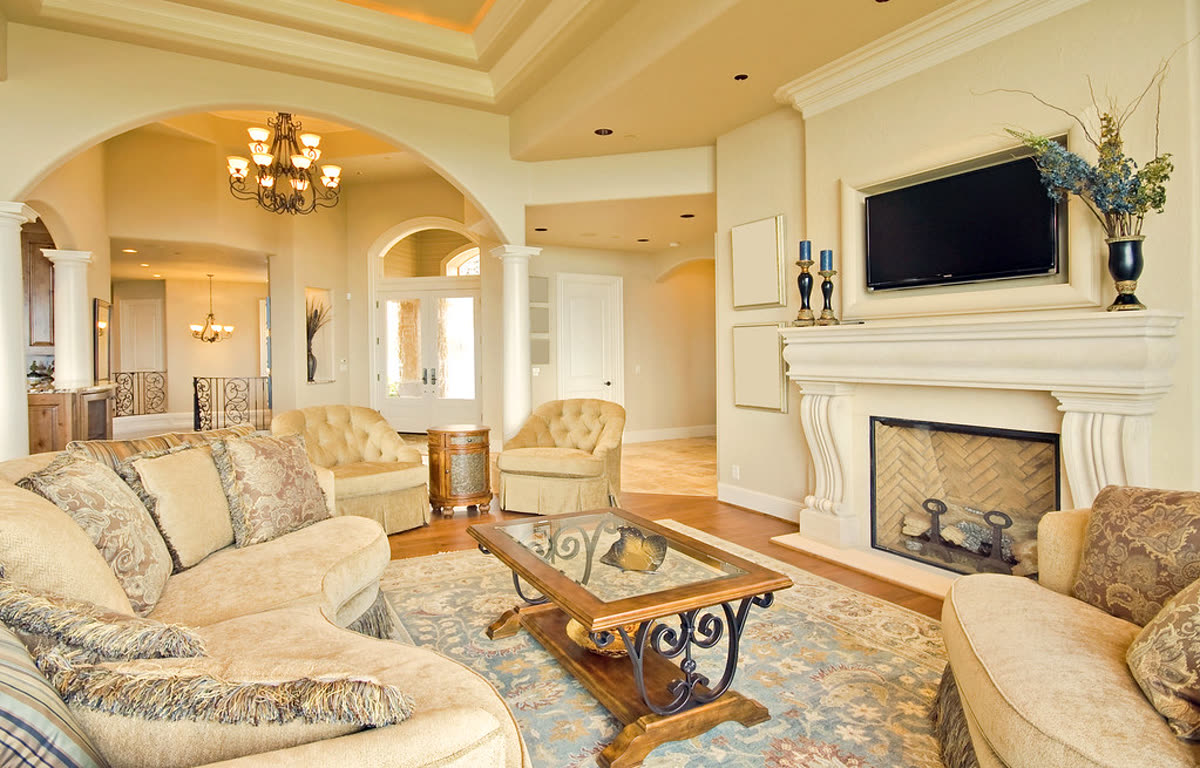
Living room, slow push-in
Real listing photo, AI camera motion, passed accuracy check
A property video is only as good as the photos it is made from. Upload your property photos, and each one gets a slow camera move, with your price and address on screen.
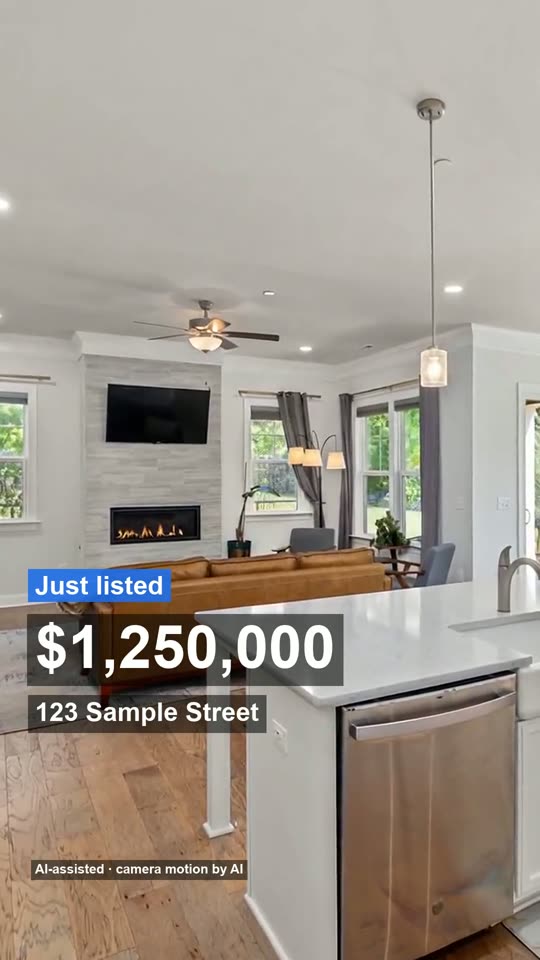
Made from 3 listing photos, no watermark. The AI moves the camera only: every room stays as photographed, nothing is added.
Real clips made from property photos. The moves are slow on purpose, so the rooms look as they do in the photo.
Real listing photo, AI camera motion, passed accuracy check
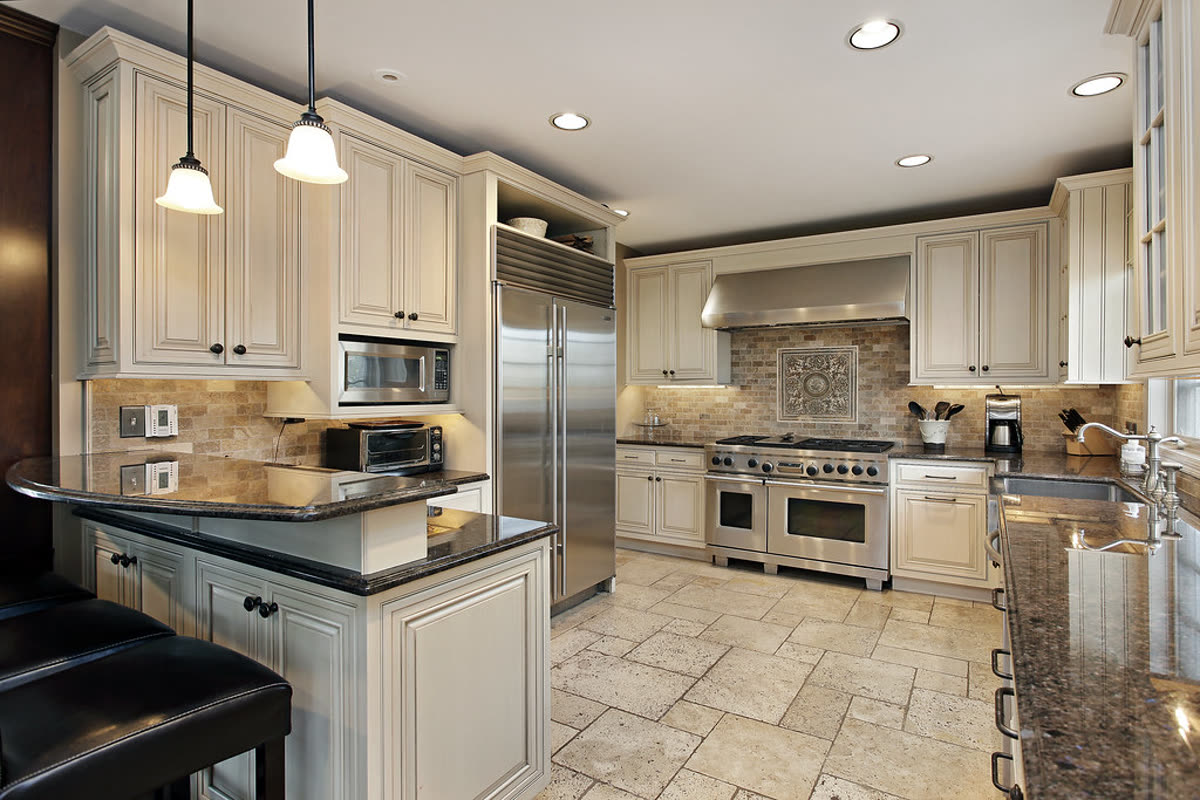
Real listing photo, passed on the second attempt after the first clip changed the countertop
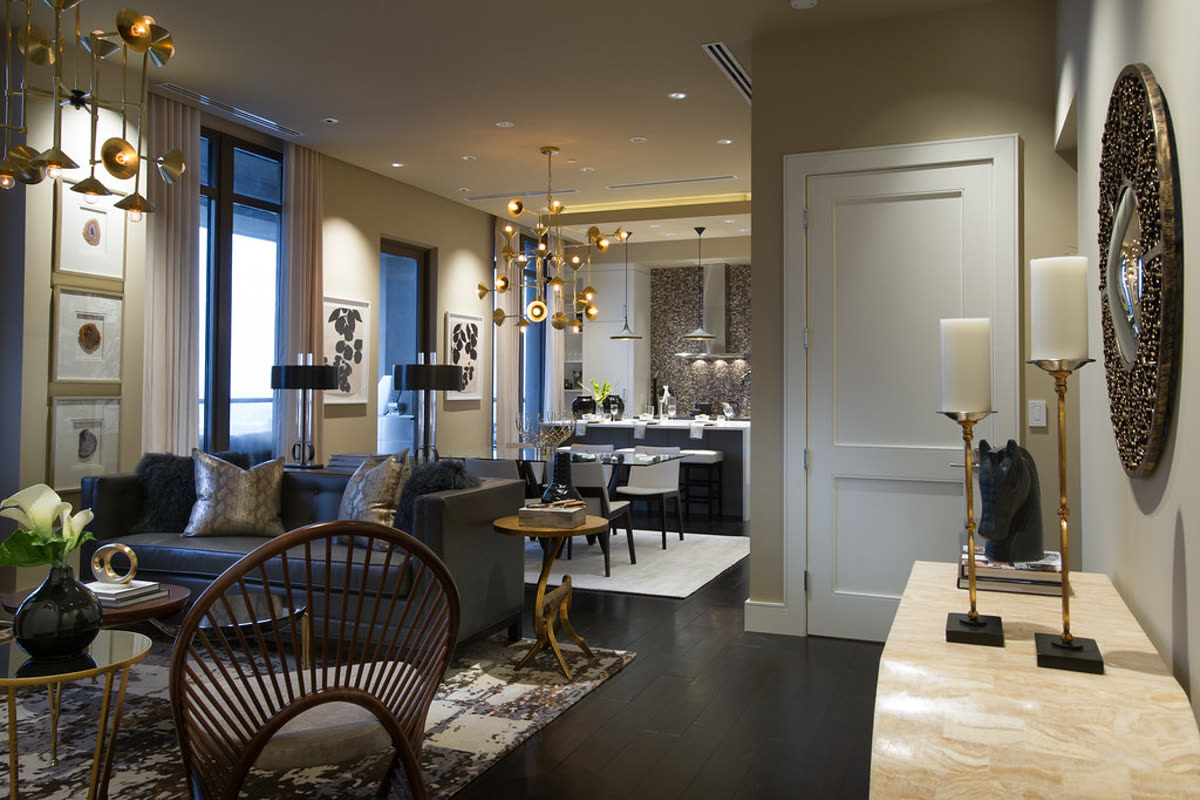
Real listing photo, AI camera motion, passed accuracy check
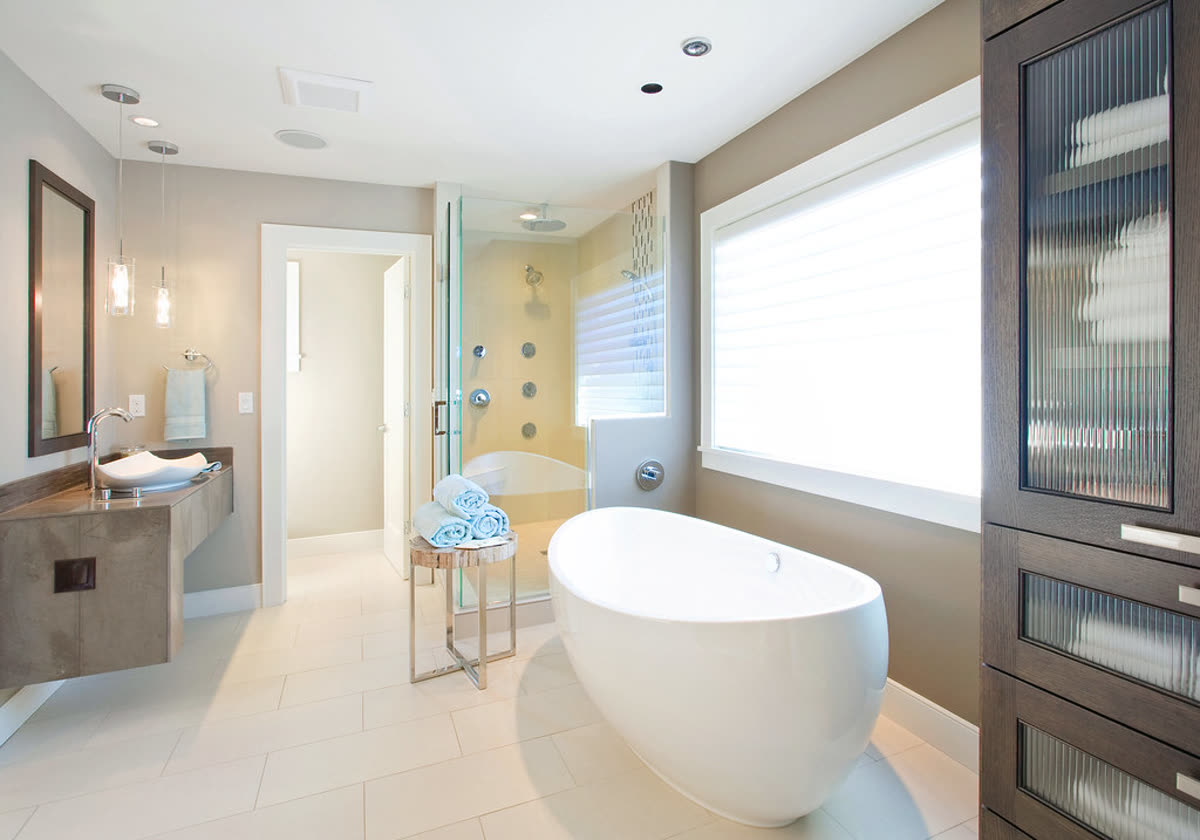
Real listing photo, AI camera motion, passed accuracy check
Pick your row and match the photos.
| Property | Lead with | Then show | Leave out |
|---|---|---|---|
| House for sale | The front of the home | Living area, kitchen, main bedroom, yard | Storage rooms and the garage |
| Long-term rental | The living area | Kitchen, each bedroom, bathroom, laundry | Personal items of a current tenant |
| Short-let or holiday home | The best view or outdoor space | Where people sleep, the kitchen, the bathroom | Anything that looks different on arrival |
| Apartment or condo | The main room with the window | Kitchen, bedroom, building entrance or balcony | Corridors and lifts |
| Owner selling without an agent | The front of the home | The three rooms a buyer asks about first | Rooms in the middle of a project |
Take a two-bedroom rental with eight photos. The front of the building comes first, with the rent and address in the bar at the bottom. Then the living area, the kitchen, both bedrooms and the bathroom, each with a slow move of a few seconds, and the outdoor space last, with the contact card.
Every move is compared with its photo. If a move adds or removes something, it is made again or replaced with a plain pan, so the rooms stay as photographed. The order and lengths are explained on home tour video, and the checks on how we check every clip.
| Reel | Full video | |
|---|---|---|
| Price | $4.90 | $19 |
| Photos used | Up to 4 | 5 to 25 |
| Length | 15 seconds | Length follows the photos |
| Files | One vertical file | Vertical, landscape, a clean vertical file and an unbranded MLS file |
| Best for | A quick post or story | A listing page and several posts |
Our own numbers, from 19 October to 12 November 2026, from renders that used the real AI model. They include our own test runs, so they are not a survey of customers, and the counts are small.
So a set of about eight sharp, level photos is what most full videos here were made from. More photos make a longer video, not a better one.
Upload 3 to 25 photos of the property, type the price, address and your contact details, pick a look and music, and pay. A 15-second reel uses up to 4 photos; a full video uses 5 to 25.
Any property you have good photos of: a house, a condo, a townhouse, a rental. It was built for real estate listings, so the room order and the on-screen price and address bar suit a home for sale or for rent. It is not made for land with no buildings or for commercial space tours.
Yes, as long as they are sharp and straight. Photos with strong clutter or blur make the video worse, because the camera moves are made from them. Retake the one photo that is dark or tilted rather than uploading it.
It should not. The camera moves are compared with your photo, and a clip that adds or removes something is made again or replaced with a simple pan. A small label says the camera motion was made from the photos.
Yes. A full video includes a 16:9 file for your website or YouTube and a 9:16 file for Reels, TikTok and Shorts, plus a clean vertical file and an unbranded MLS file.
No. You pay as a guest, and an account is only for keeping your videos together.
How we wrote this: by the Tourly team, on 12 November 2026. Basis: the photo checklist is practical advice; the counts above are our own render data, and the checks are listed on how we check every clip.
Made by Tourly, a small team building listing video tools. Questions or a clip that looks wrong? Contact us.