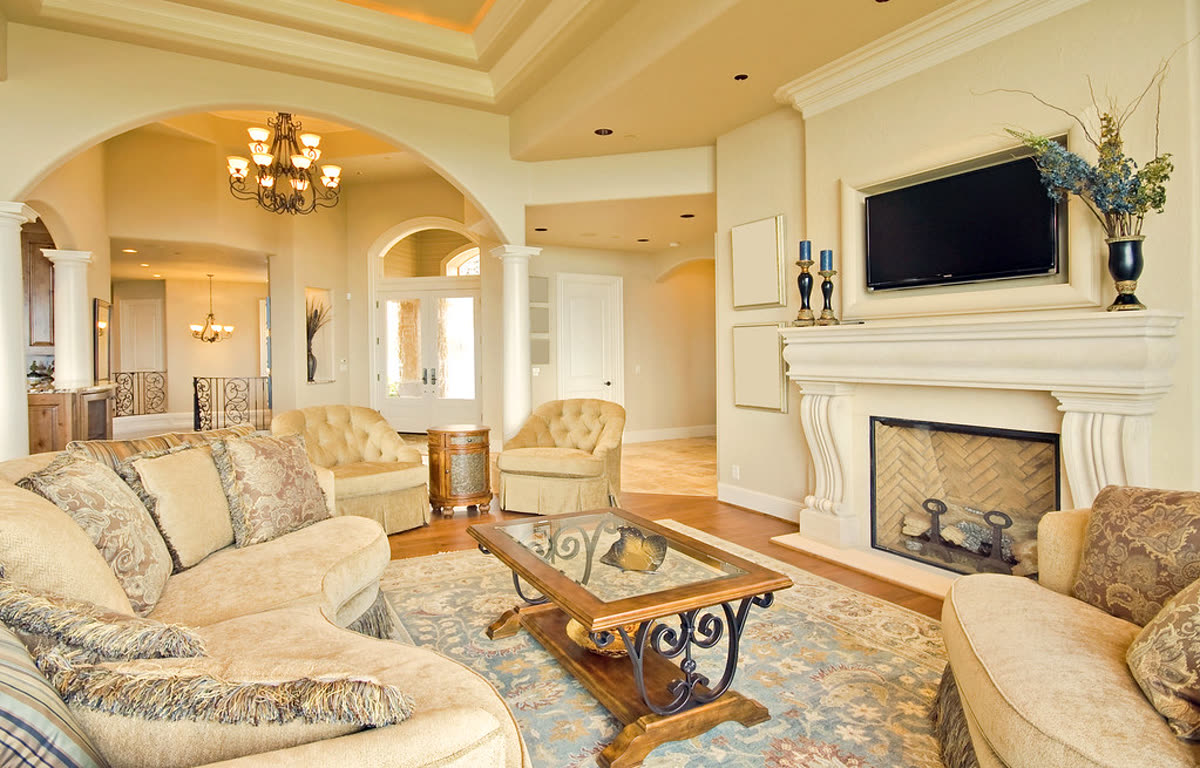
Living room, slow push-in
Real listing photo, AI camera motion, passed accuracy check
You can make a real estate video from the listing photos you already have, in an afternoon, with no camera. Here are the steps, and eight ideas for what to make at each stage of a listing.
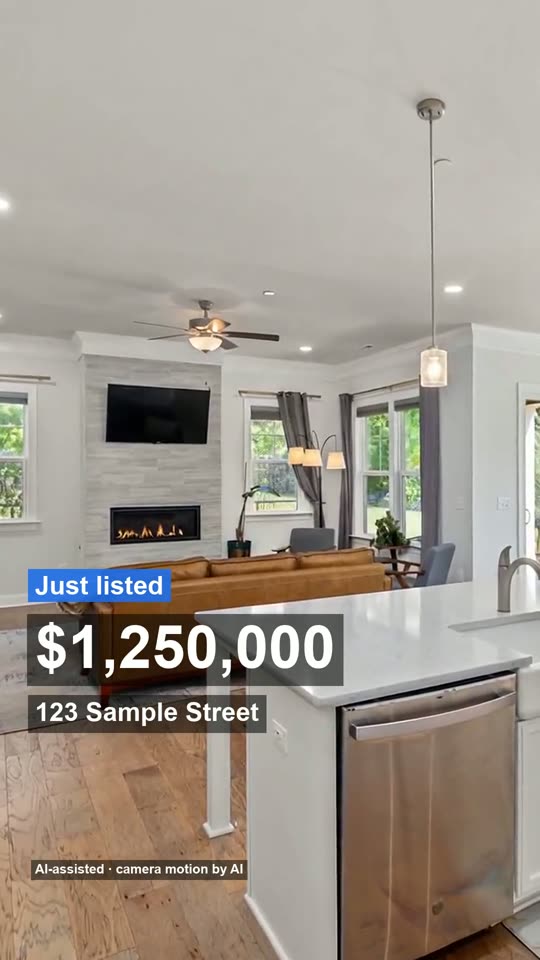
Made from 3 listing photos, no watermark. The AI moves the camera only: every room stays as photographed, nothing is added.
Real clips made from listing photos, one camera move per room. Use them to decide what look you want before you start.
Real listing photo, AI camera motion, passed accuracy check
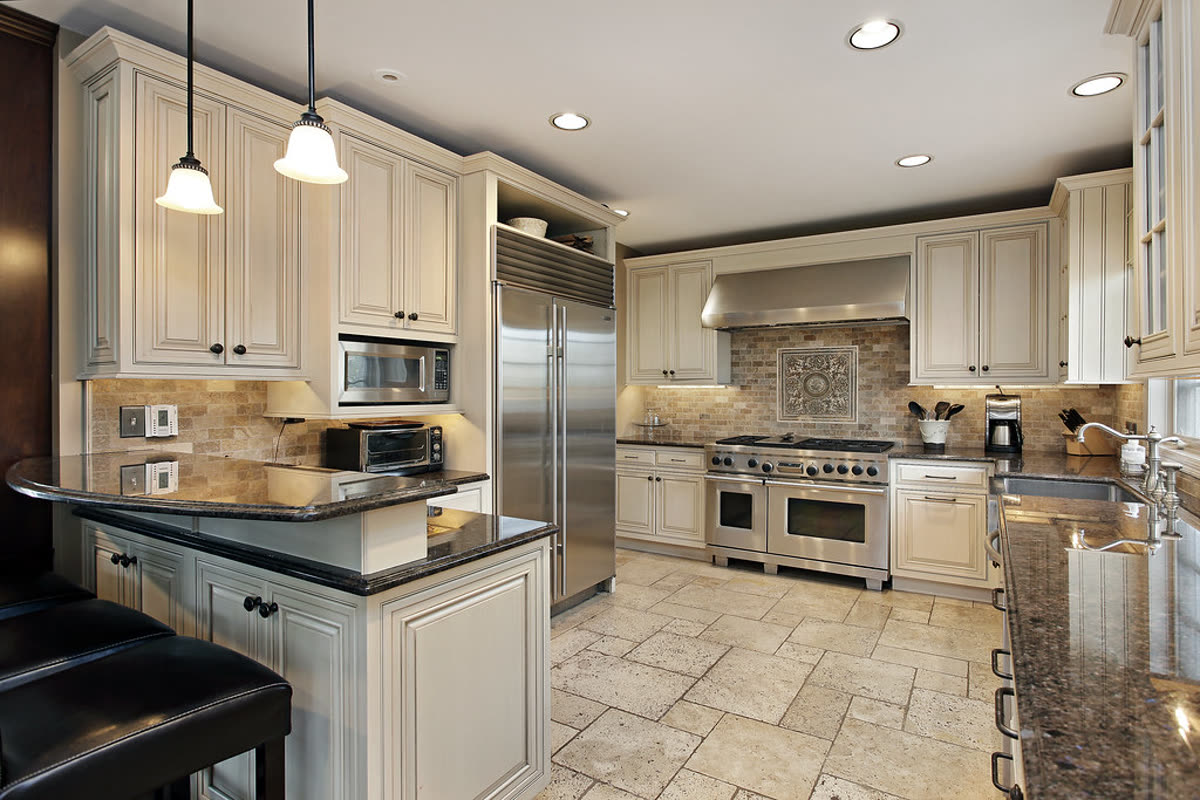
Real listing photo, passed on the second attempt after the first clip changed the countertop
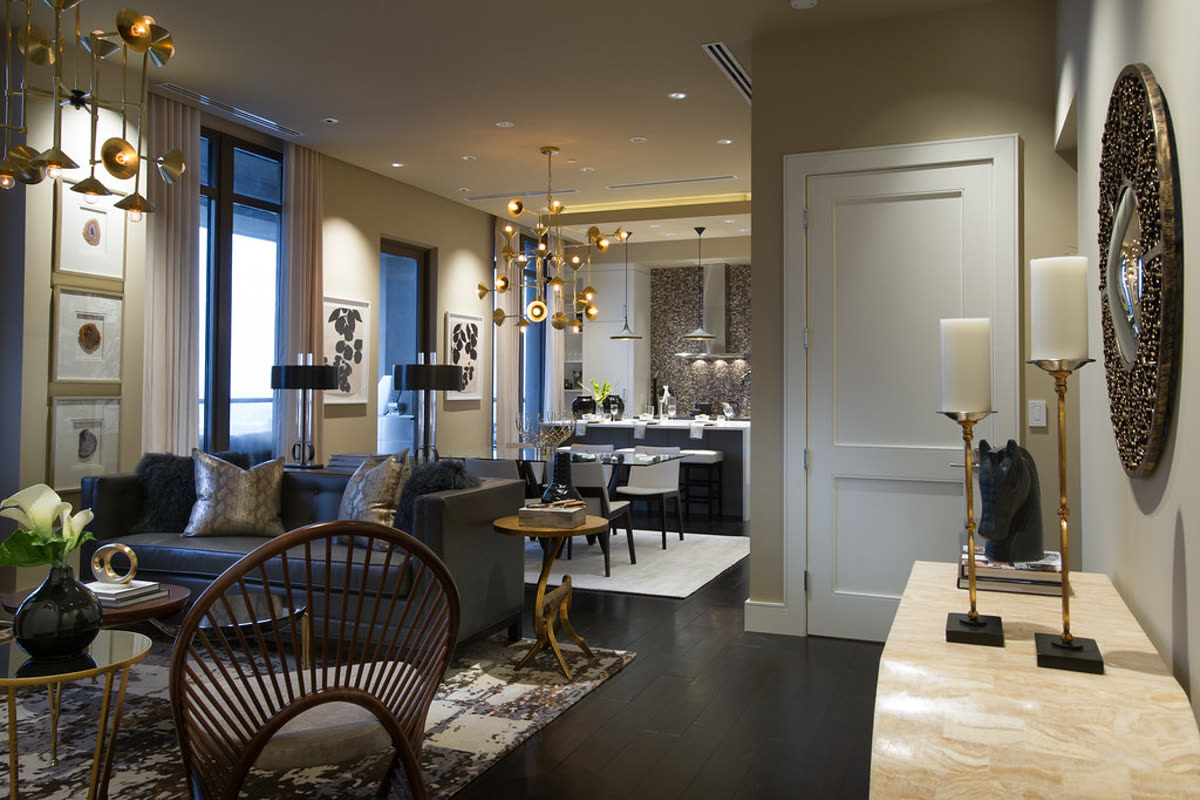
Real listing photo, AI camera motion, passed accuracy check
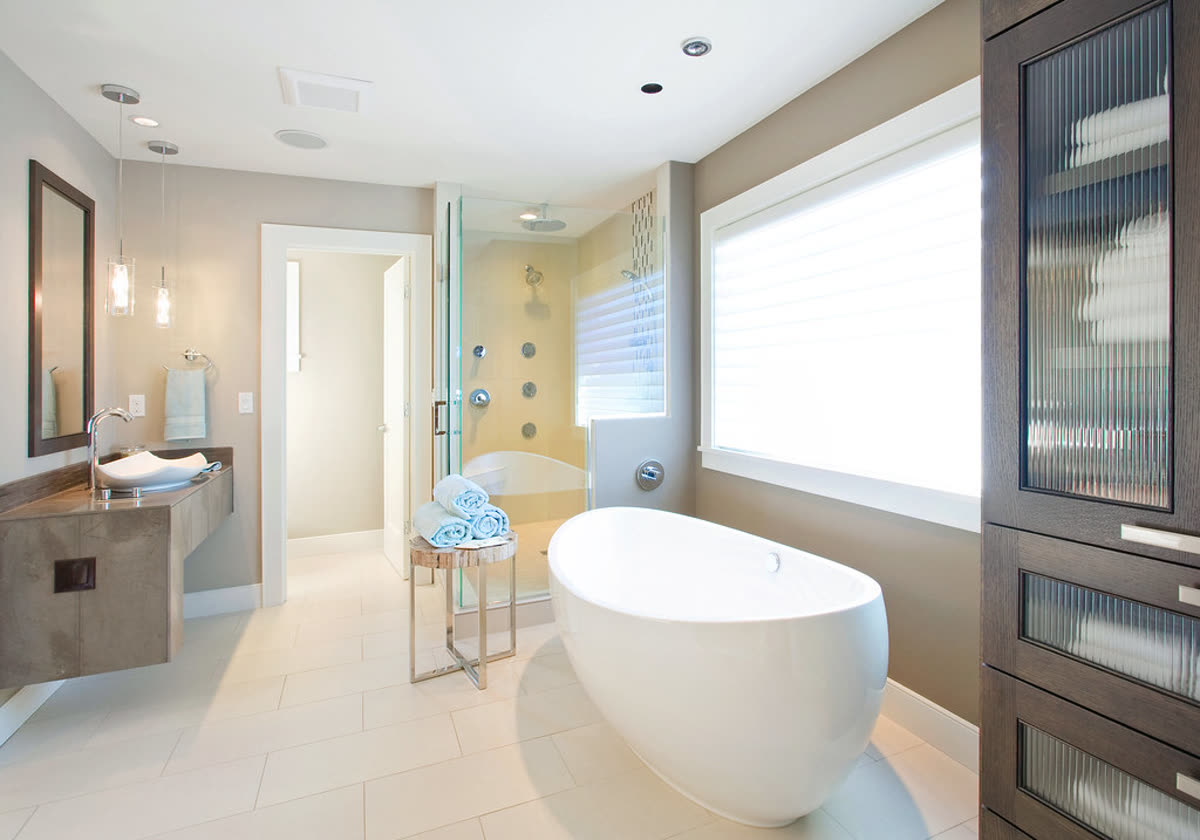
Real listing photo, AI camera motion, passed accuracy check
The real estate video maker does steps 2 to 6 from your photos and gives you all the files at once.
| Idea | Photos | Length | When to post it |
|---|---|---|---|
| Just listed reel | 3 to 4: front, best room, kitchen, outdoor space | 15 s | The day the listing goes live |
| Full listing tour | 8 to 25 | 30 to 90 s | On the listing page and YouTube |
| Open house promo | 3 to 4 | 15 s | A few days before and the morning of |
| Price update | The same set, a new price card | 15 s | When the price changes |
| Just sold | The best two or three photos | 15 s | The day it closes |
| Room highlight | One room, three angles | 15 s | Between bigger posts |
| Agent intro opener | The standard set with an AI voiceover or host | 15 to 25 s | When you want a voice on the post |
| MLS or portal file | The full set, no branding | 30 s or more | For a portal video field |
The status cards for just listed through sold are on real estate video templates. The price update is a free re-export of a full video when only the price changes.
How a camera move is checked against your photo is on how we check every clip.
Our own numbers, from 19 October to 12 November 2026, from renders that used the real AI model. They include our own test runs, so they are not a survey of customers, and the counts are small.
Use this to plan the day: make the photos and details the day before, pay, and expect a reel within ten minutes.
Make it yourself from photos when you want a video the same day, you do not need real footage, and you want to pay per video ($4.90 or $19). Hire an editor or a videographer when the listing is high value and the movement through the space is the point.
Pick the best photos of the home, put the front first, add the price, address and your contact details, choose music, and export a vertical file for social posts and a landscape one for the listing page. With Tourly the photos, details and music are the only inputs.
For a social post, 15 to 30 seconds is plenty. For a listing page, 60 to 90 seconds covers a whole home. A photo-based video runs about 3.5 seconds per photo in the calm look or 2.7 seconds in the fast one, so 25 photos is about 90 or 70 seconds.
None if you use photos you already have. A video made from photos needs no camera, gimbal, microphone or editing software. If you want to film real footage, you need all of those and the time to edit.
Use music you are allowed to use commercially. A trending sound from an app is fine inside that app but not in a file you publish elsewhere, which is why a clean vertical file with no music is useful: you add the sound inside Instagram or TikTok.
The price, the address, the status and your name and phone or email. Type them yourself so they are right. Leave out claims you cannot support, and anything about who the home is for.
If the camera motion or any voice is made by AI, say so. A small label on the video that the camera motion was made from the photos is the simplest way; Tourly adds one to every video.
Make it from your own photos. The alternatives are a freelance editor or a videographer, which cost more and take longer; they are compared on real estate video editing.
How we wrote this: by the Tourly team, on 12 November 2026. Basis: the steps and ideas are practical advice; the timings above are our own render data. No outside statistics are quoted.
Made by Tourly, a small team building listing video tools. Questions or a clip that looks wrong? Contact us.