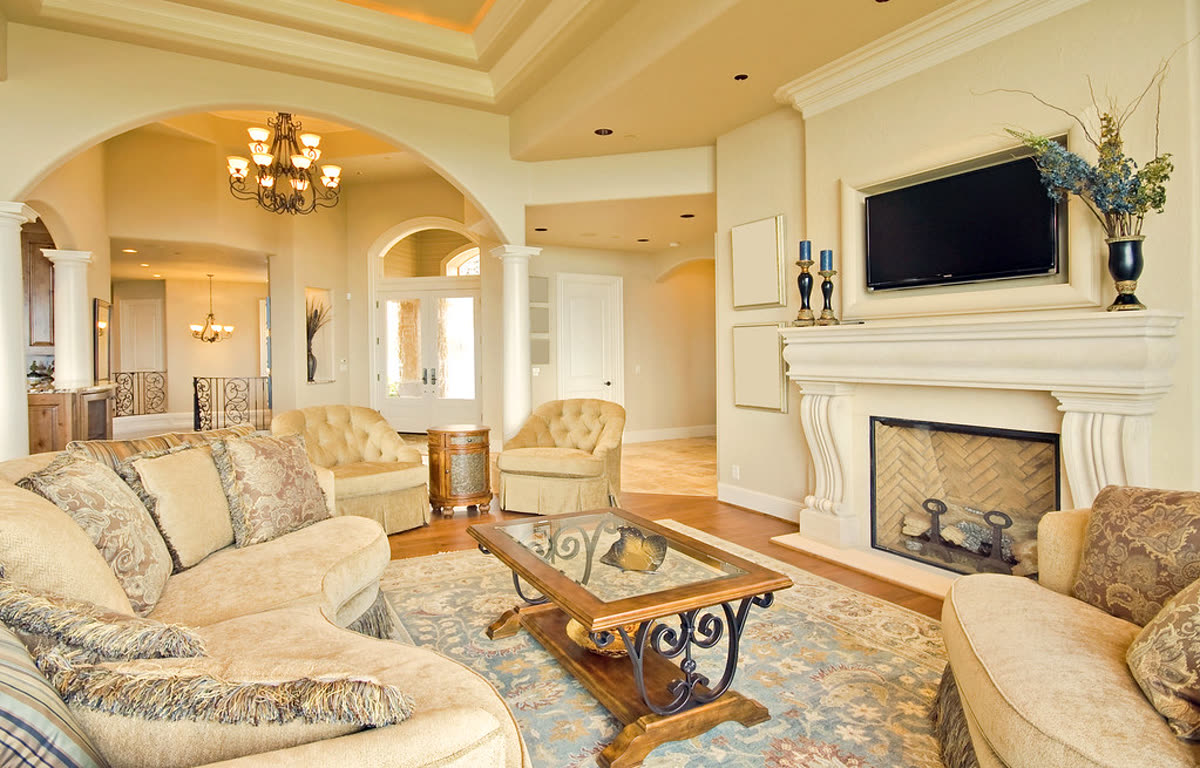
Living room, slow push-in
Real listing photo, AI camera motion, passed accuracy check
You do not need a camera, a videographer or an editor to put a video on a listing. Upload the photos you already have and get a video with your name, phone, price and address on it.
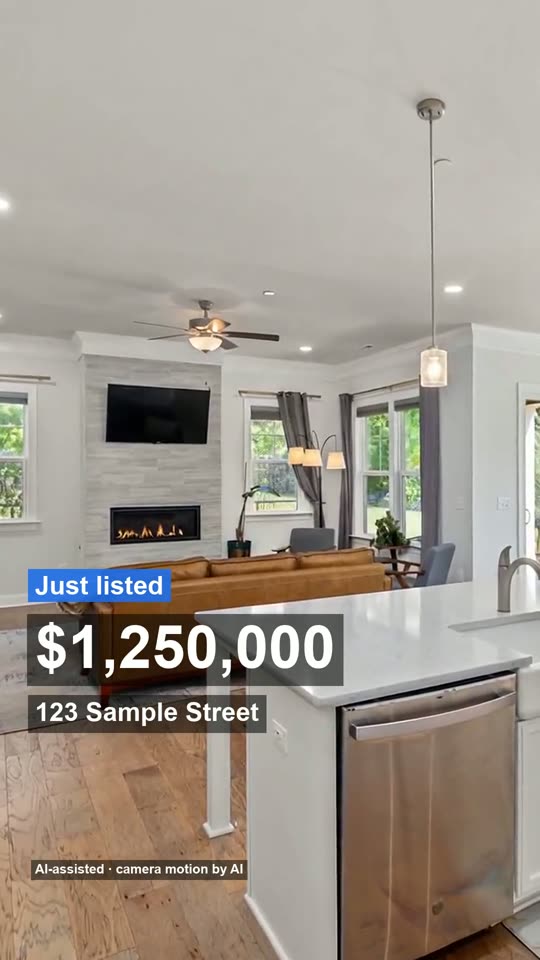
Made from 3 listing photos, no watermark. The AI moves the camera only: every room stays as photographed, nothing is added.
Real clips made from listing photos. Each shows the home with your details on screen and a closing card. The agent and address on the samples are fictional.
Real listing photo, AI camera motion, passed accuracy check
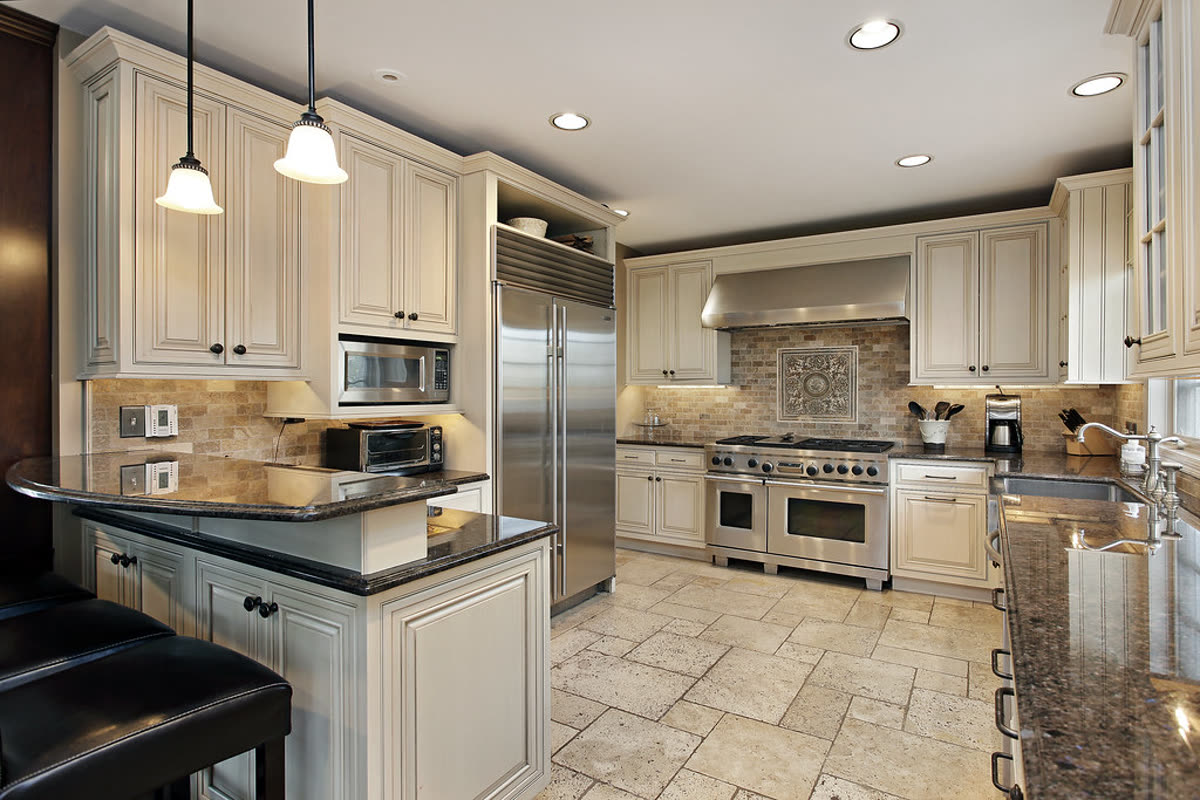
Real listing photo, passed on the second attempt after the first clip changed the countertop
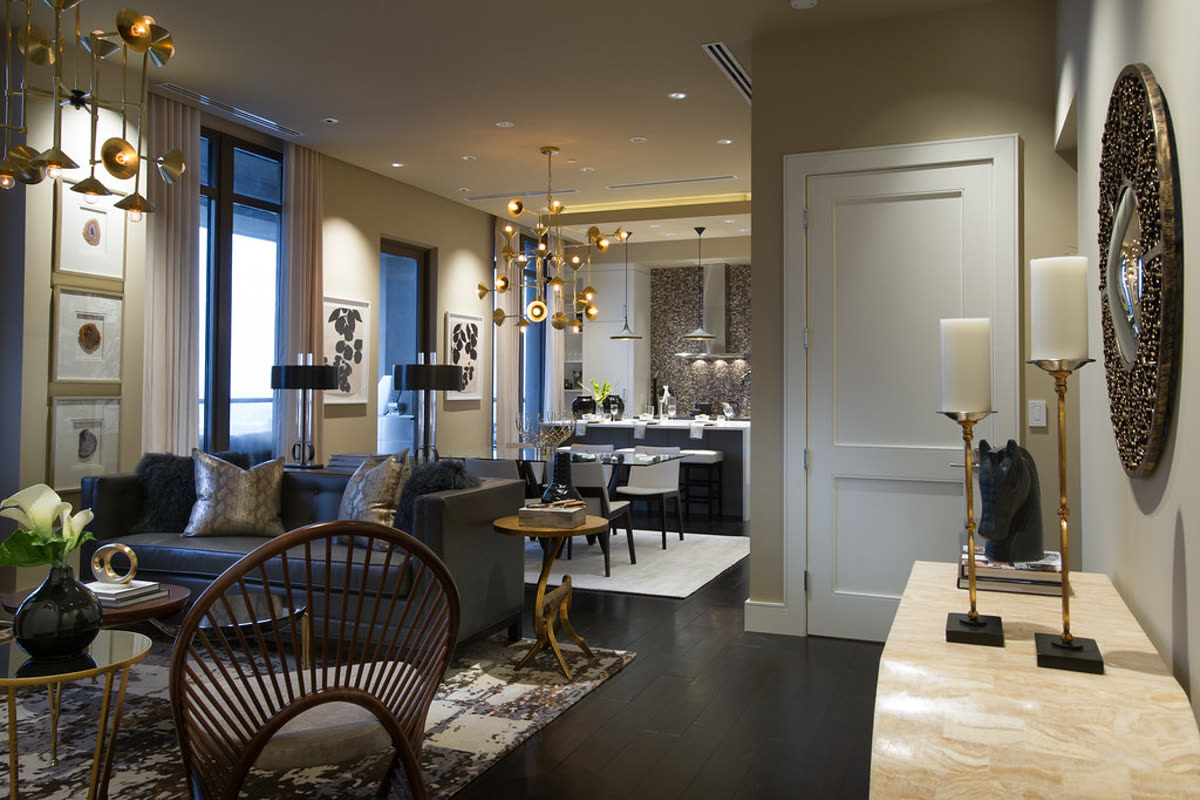
Real listing photo, AI camera motion, passed accuracy check
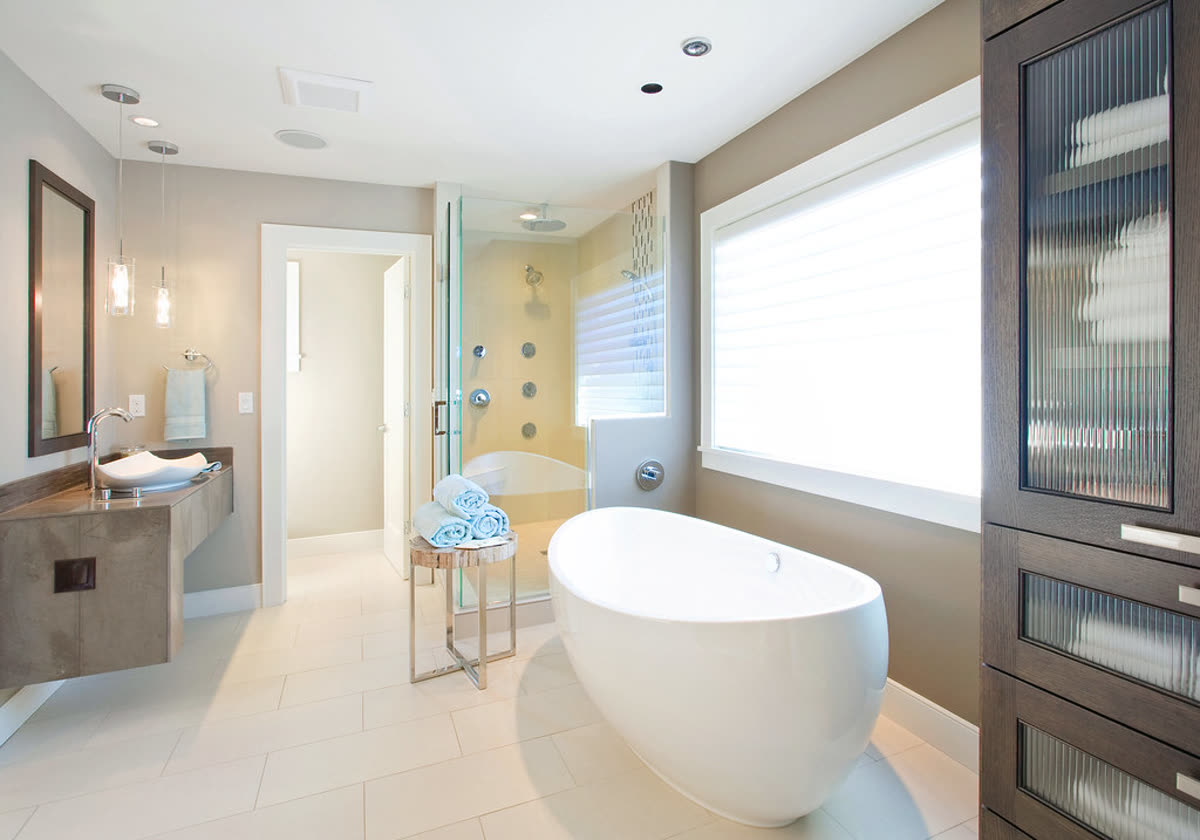
Real listing photo, AI camera motion, passed accuracy check
There are four routes, and they suit different listings. This page is about the fourth.
| Route | Best when | What you give up |
|---|---|---|
| Hire a videographer | The listing is high value and you want real footage of the space | Cost and scheduling: a shoot on top of the photo day |
| Hire a freelance editor | You have clips and want someone to own the edit | A brief, a wait and a revision round, for every video |
| Subscribe to a video tool | You post many videos a month | A monthly fee even in a month with no new listings |
| Pay per video from photos | You have photos and want a video the same day | No real footage and no drone: it works from photos only |
The costs and trade-offs of the editor route are laid out on real estate video editing.
The real estate video maker page shows the four files in a full video and what goes on screen.
You never have to be. The standard video has no person in it, only the home, your details and music. If you want something spoken, there are two optional extras, both paid in credits and both clearly labelled as AI:
The words on the video are the ones you type, so it never states a feature you did not give it. The camera moves are checked: frames from every clip are compared with your photo by two separate checks that both have to pass, and a clip that adds or removes something is made again or replaced with a plain pan. Every video carries a small label that the camera motion is AI.
The checks are shown with a real example on how we check every clip.
Our own numbers, from 19 October to 12 November 2026, from renders that used the real AI model. They include our own test runs, so they are not a survey of customers, and the counts are small.
| Room | Photos | AI move kept | Replaced by a depth move or a plain pan |
|---|---|---|---|
| Living room | 60 | 48 (80%) | 12 |
| Exterior | 19 | 13 (68%) | 6 |
| Bedroom and dining | 17 | 16 | 1 |
| All rooms | 115 | 86 (75%) | 29 (25%) |
In 55 of the 114 first tries (48%) the clip failed a check and was made again once. Kitchens and bathrooms are the rooms where an AI move most often rebuilds fixtures, so they go straight to a move made from the photo itself and do not appear above. What this means for a client: about one clip in four is not the AI move you might expect, and in every case the room is still the one in your photo.
No subscription, no account to pay, and a render that fails costs nothing.
Use the photos you already have. Upload them, type the price, address and your contact details, and pay per video. There is nothing to film, schedule or edit.
No. The video is made from still photos with camera movement added. If you want a voice, an optional AI voiceover or an AI host can open the video, paid in credits. Those are not you filming, and the video says so.
No. It is software: you upload, it renders, you download. There is no editor to brief and no revision round. If you want a person who owns the job and the changes, see real estate video editing for how that route compares.
You pay per video, a reel or a full video, and there is no subscription to pay. If you list often, credit packs never expire. The prices are in the cost section above and on the home page.
Yes. Your name, phone or email, price, address and status are typed by you and drawn on the video, and a logo can go on the closing card. One of the four files is an unbranded MLS version for portals that do not allow agent details.
Yes, for any listing where you have photos. It does not use raw video or drone footage, so for a listing where movement through the space is the whole point, a videographer is the better choice.
No. You pay as a guest, and an account is only for keeping your videos together.
How we wrote this: by the Tourly team, on 12 November 2026. Basis: the table of checks is our own data (see how we check every clip); the comparison of routes is general knowledge about how listing videos are made.
Made by Tourly, a small team building listing video tools. Questions or a clip that looks wrong? Contact us.