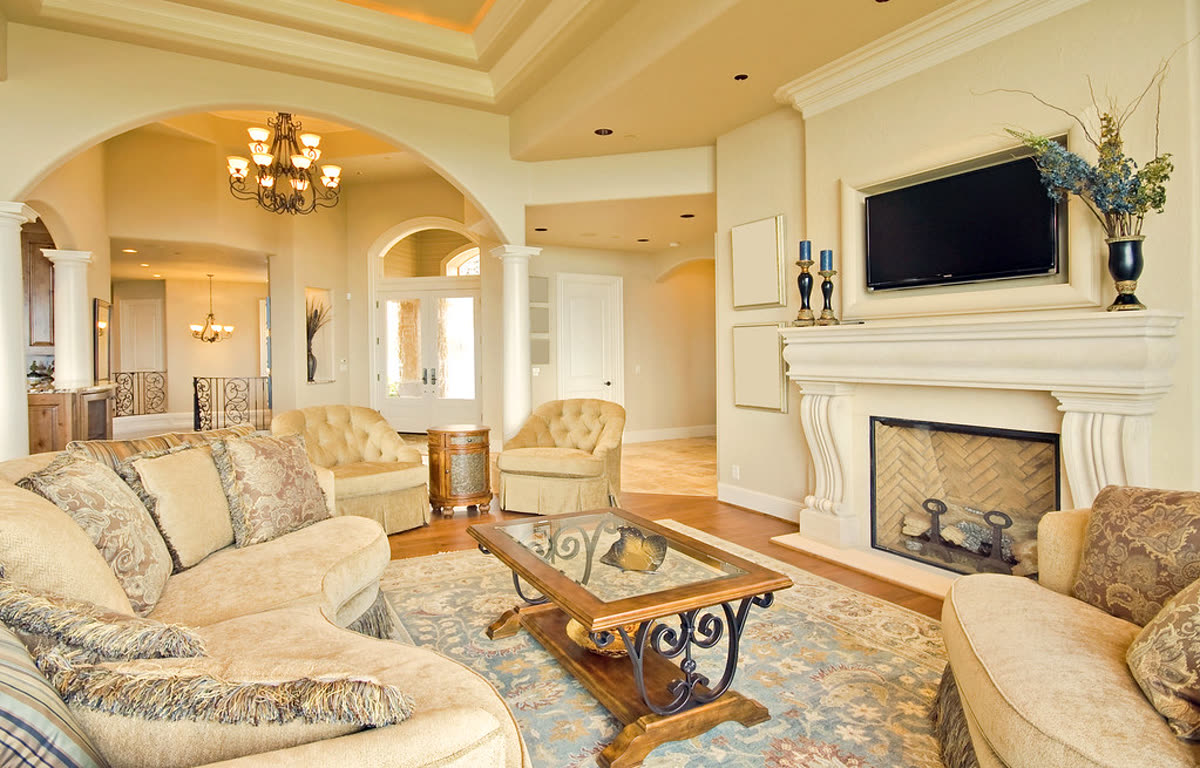
Living room, slow push-in
Real listing photo, AI camera motion, passed accuracy check
Got your place on Airbnb and want a moving first shot? Turn the photos you already have into a short video tour. It shows only what is in your photos, and we say below what it cannot do.
One photo · watermarked preview · no card
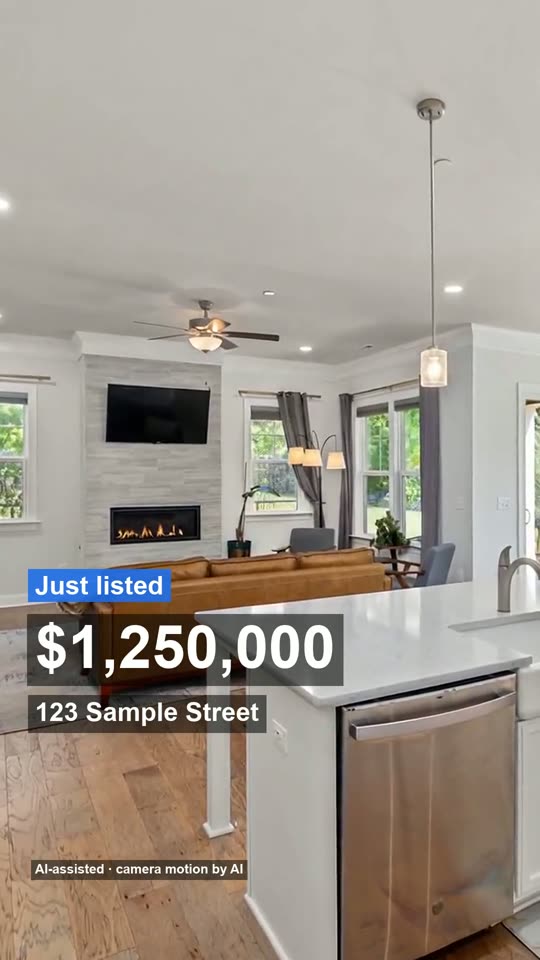
Made from 3 listing photos, no watermark. The AI moves the camera only: every room stays as photographed, nothing is added.
These clips are made from single listing photos. The camera drifts into the room and nothing in the picture is added. Your bedroom and living room photos get this kind of move.
Real listing photo, AI camera motion, passed accuracy check
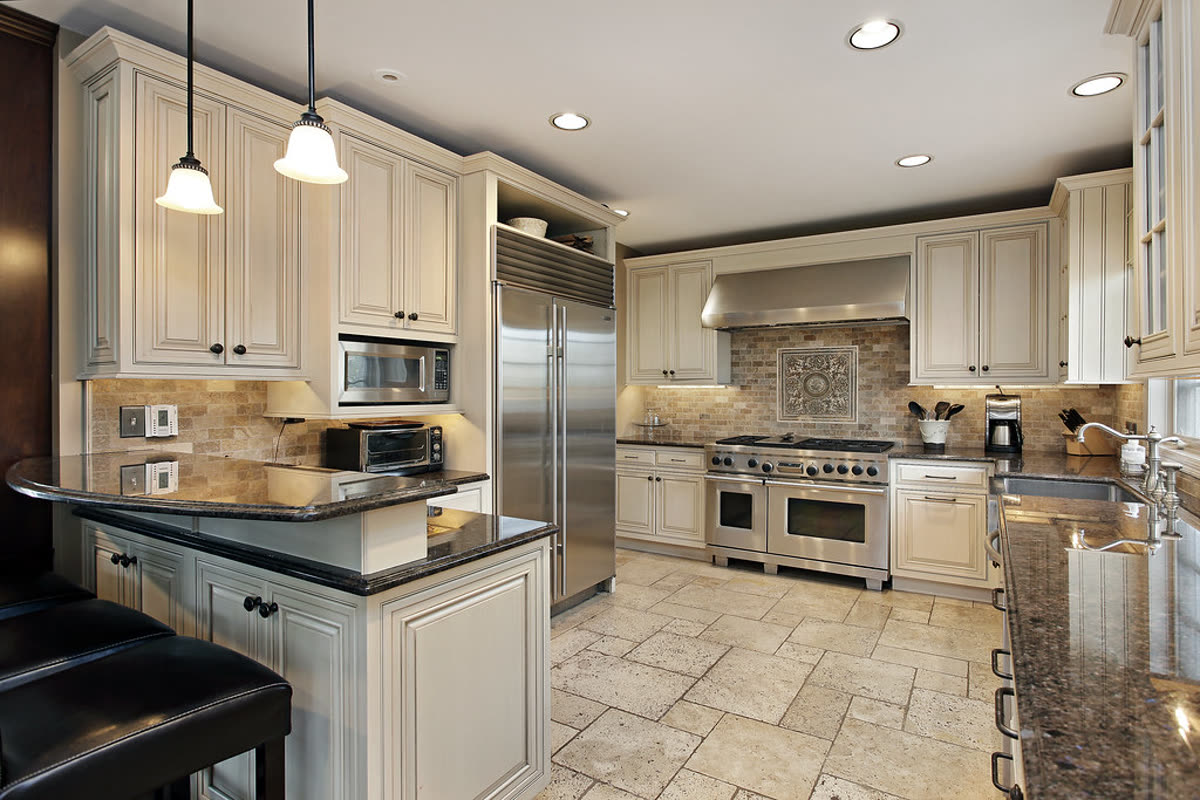
Real listing photo, passed on the second attempt after the first clip changed the countertop
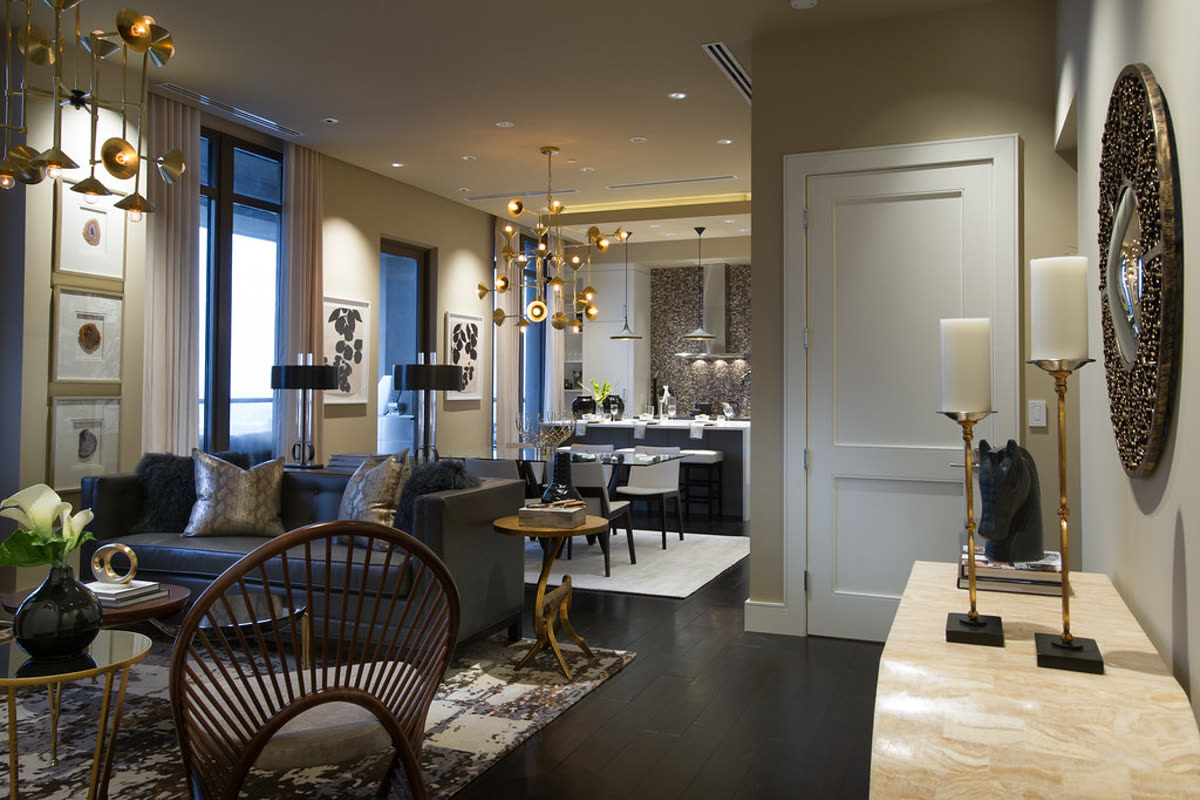
Real listing photo, AI camera motion, passed accuracy check
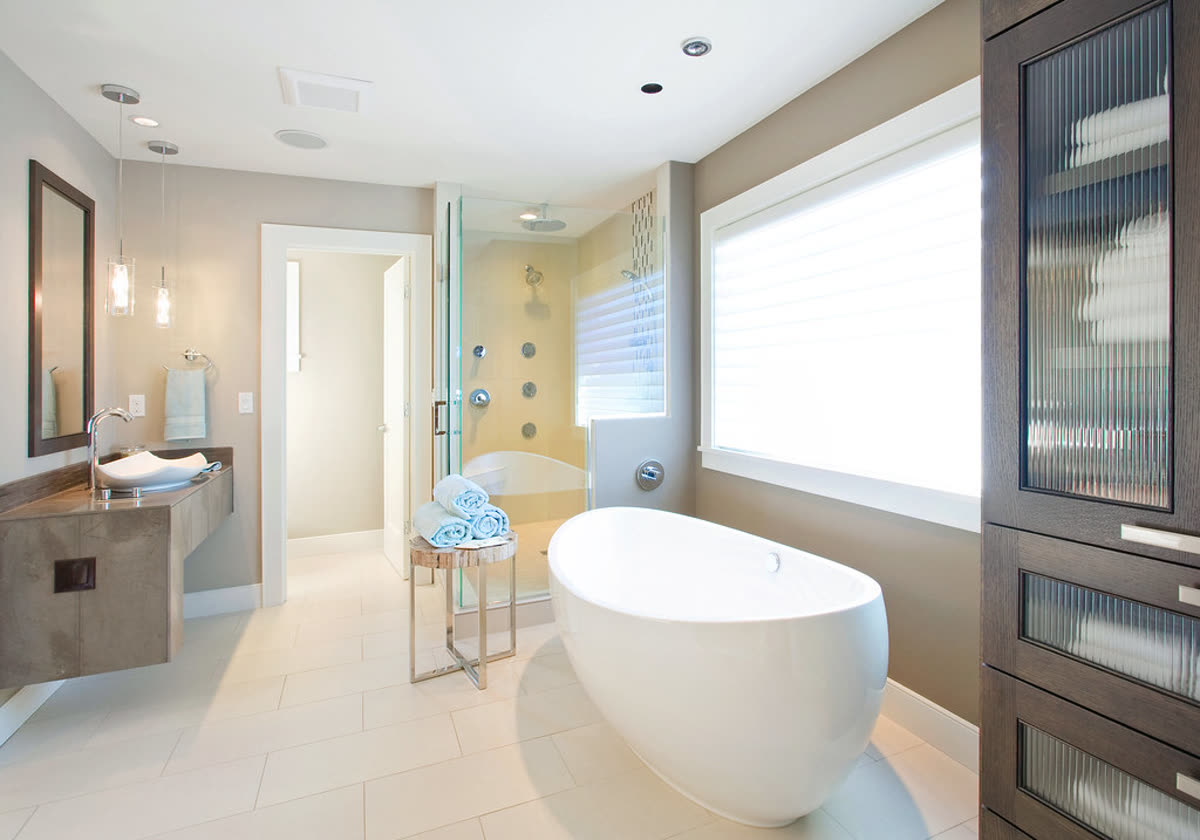
Real listing photo, AI camera motion, passed accuracy check
Guests decide on the bed, the bathroom and the kitchen. Airbnb says you need at least 5 photos to get started and advises horizontal shots, so the photos you already have are the right start.
The home tour video maker explains the room order, and the real estate reels maker makes the short vertical version.
| Place | What the video does there | File to use |
|---|---|---|
| Instagram Reels, TikTok, YouTube Shorts | A moving first shot that stops the scroll; link to your listing in the caption | 9:16 |
| Your own booking page or website | Shows the place at a glance above the photo grid | 16:9 |
| A reply to an enquiring guest | Answers "what is the bedroom like?" without a long message | 9:16 or 16:9 |
| Your Airbnb listing | The photos stay the main thing; check in your host tools whether the page takes a video | Not promised |
Reels, TikTok or Shorts caption
A look around [name of the place], [town]. Sleeps [number], [number] bedrooms. Video made from our listing photos. Link in bio to book.
Line above the photo grid on your booking page
Take a 20-second look around before you scroll. Every clip is made from the photos below.
Reply to an enquiring guest
Hi [name], here is a short video of the [bedroom or living room] you asked about. It is made from our listing photos, so the room looks as it does there.
42 of 46
bedroom photos (91%) ended as camera motion through the scene; 4 as a slight move over the photo
219 of 251
living room photos (87%) ended as camera motion
1 of 222
kitchen photos ended as camera motion; the rest got the slight move
0 of 54
bathroom photos ended as camera motion; all got the slight move
138 of 189
finished videos used 3 or 4 photos, because a reel takes up to 4
25
photos in the largest video; one video, so no pattern to read from it
Yes. Upload the photos you already have, in the order a guest would walk through the place, and you get a short video where the camera drifts slowly into each room. The video is made only from your photos. It is not a recording of the home, and it carries a small AI-assisted mark.
Airbnb says you need at least 5 photos to get started. The full video here takes 5 to 25 photos, so the photos you would upload to Airbnb anyway are enough. The 15-second reel takes up to 4.
No. The camera moves through what each photo shows and nothing is added: no pool, no view, no extra bed. A clip that drifts from its photo is redone or replaced with a plain slow push. If the lake view is not in a photo, it is not in the video.
Check which file types your listing page accepts today in your host tools; we cannot see your account, and the photos stay the main thing guests read there. The video is made for the places where a moving first shot helps: Instagram Reels, TikTok, YouTube Shorts, your own booking page and the message you send to an enquiring guest.
Bedrooms and living rooms move best. In our job records, 42 of 46 bedroom photos and 219 of 251 living room photos ended as camera motion through the scene. Bathrooms and kitchens usually get a slight move over the photo instead, so a clear, well-lit photo matters more than the move.
Yes. Every video carries a small AI-assisted mark, and the share page says it is an AI-generated video and not a real recording. Keep the mark on, and call it a video tour made from your photos, not a walkthrough you filmed.
Yes. The box at the top of this page turns one of your photos into a short watermarked preview with no card. Use your best bedroom photo, since that is the room guests look at longest before booking.
How we wrote this: by the Tourly team, on 23 November 2026. Basis: the photo counts are from our own job records (19 October to 16 November 2026) and will be updated as more videos finish; the photo advice is from the Airbnb page linked above; the files and limits are what the product produces today. We did not test the video against any Airbnb listing page.
Made by Tourly, a small team building listing video tools. Questions or a clip that looks wrong? Contact us.